

Registration Options
Byteful offers two convenient ways to register for an account: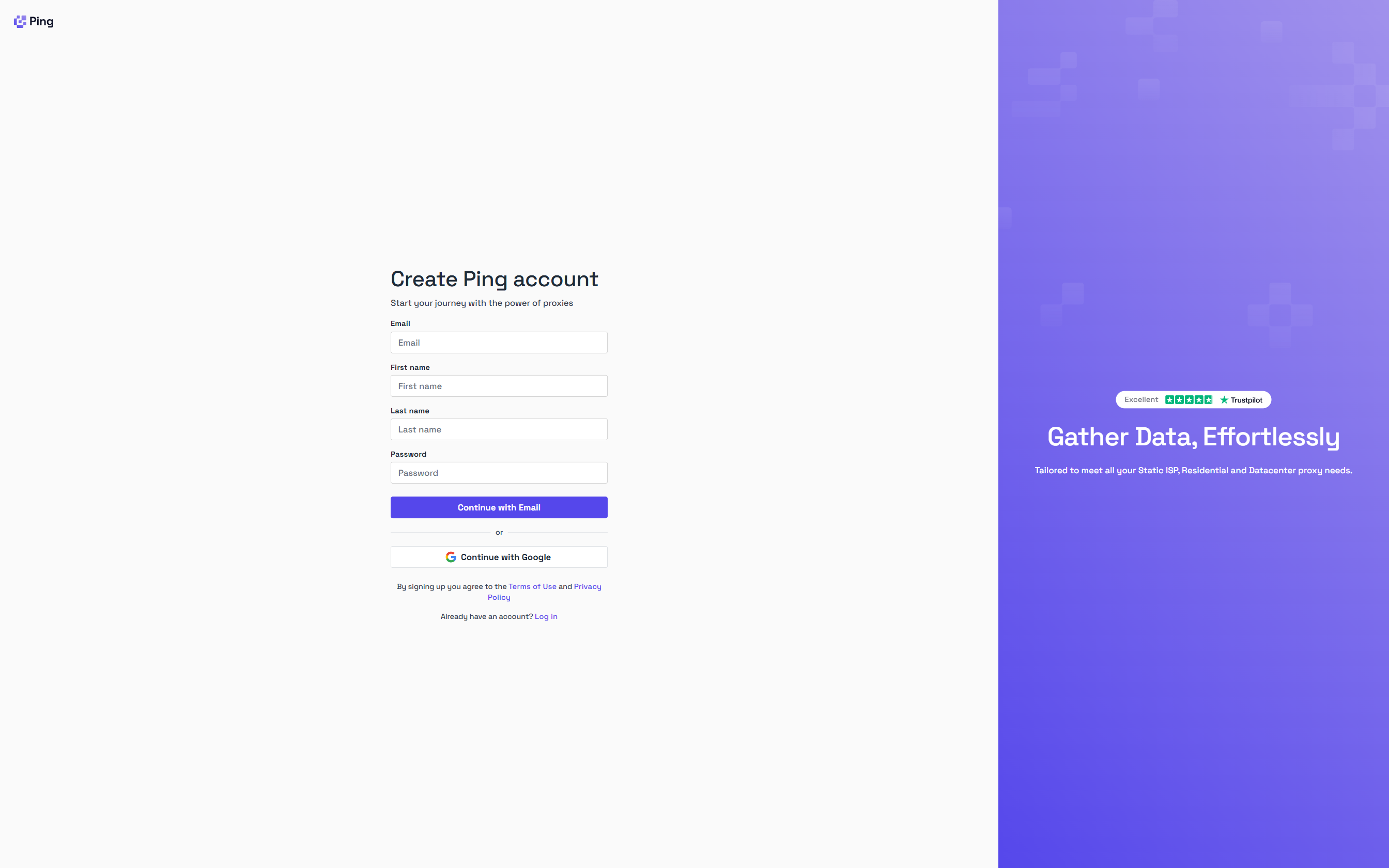
Standard Email Registration
- Visit our sign-up page
- Enter your email address and create a password
- Check your inbox for a verification email from
security.noreply@byteful.com - Enter the two-factor authentication code from the email to verify your account
- Finish the setup steps in the dashboard. The last step recommends an authenticator app for two-factor authentication. You can set it up, or keep email codes
Each account must have a unique email address. Be sure to check your spam folder if you don’t see the verification email in your inbox.
Google Sign-Up (OAuth)
For a faster registration process, you can use your Google account:- Click Sign Up With Google
- Follow the Google authentication prompts
- Grant permission for Byteful to access your Google account information
Account Security
We take security seriously and implement several measures to protect your account:- Email Verification: Confirms ownership of your email address
- Two-Factor Authentication: On by default with email codes. You can switch to an authenticator app. See Two-factor Authentication
- New Login Emails: We email you when a login comes from an IP address that your account has not used before
- Secure OAuth Integration: When using Google sign-up
- Browse available proxy products
- Make purchases
- Generate API keys
- Manage your proxy infrastructure